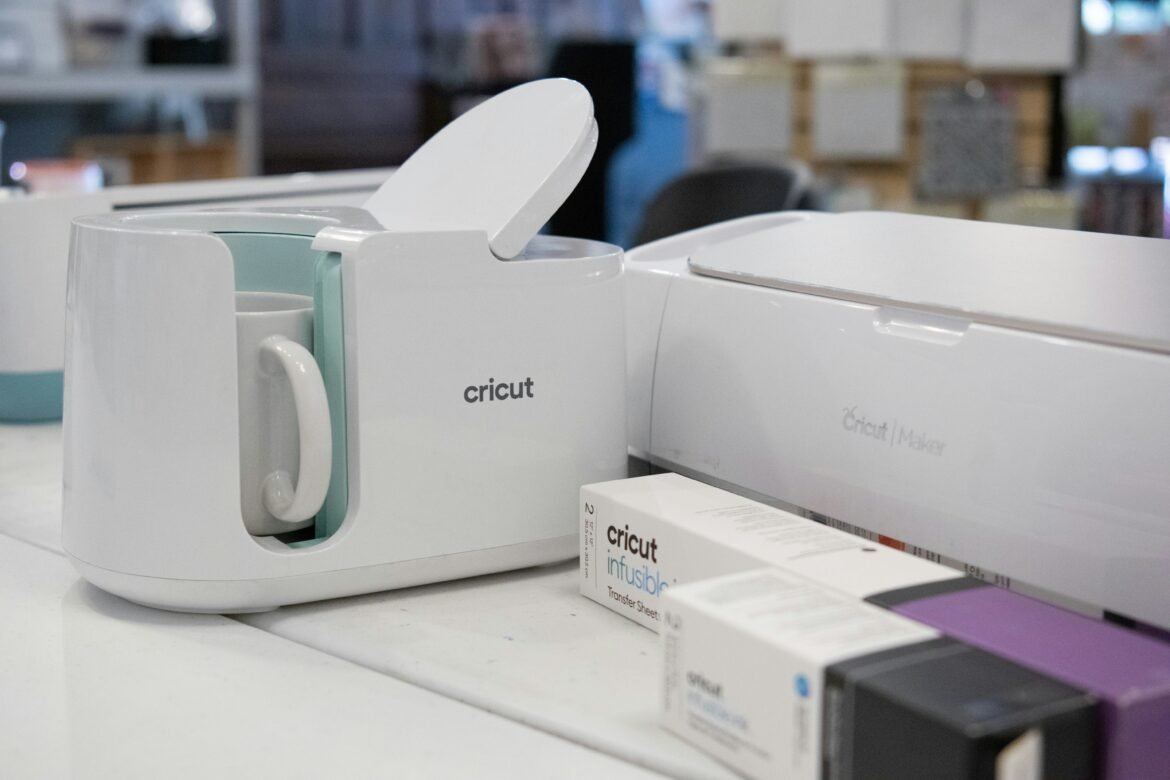
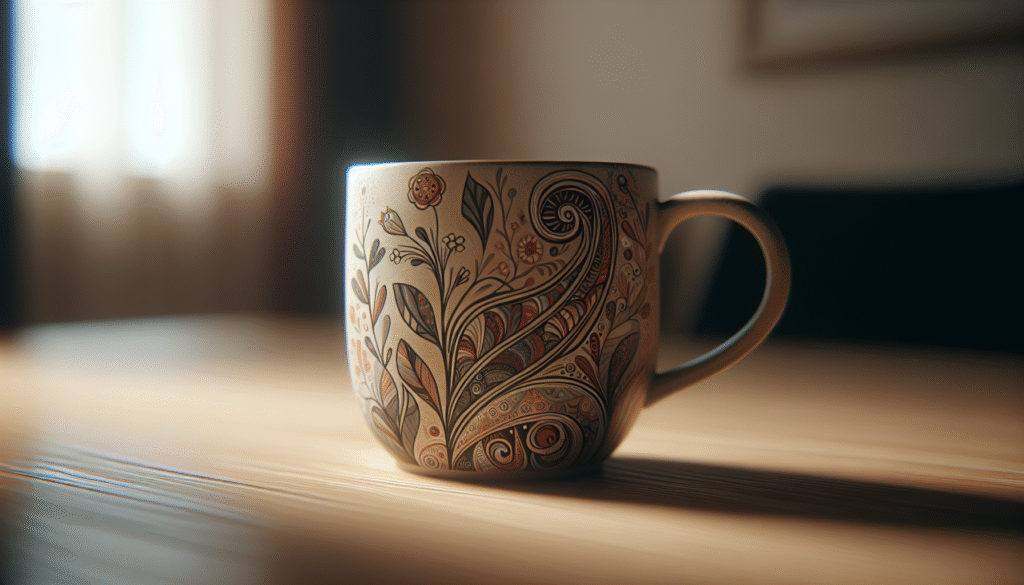
? Have you thought about how satisfying it would be to sip from a mug that features artwork you designed yourself?
This image is property of images.unsplash.com.
Why create your own mug with personalized artwork?
Personalized mugs make ordinary moments feel special. You get the satisfaction of seeing your own design every morning, and a custom mug can be a memorable gift or a sellable product for your small business.
Creating your own mug combines creativity with practical craft. You control the colors, message, and mood, so the final product becomes a direct expression of your taste or brand.
What kinds of mugs can you personalize?
There are many mug bases you can choose from, and each has different properties for printing and use. Picking the right mug material affects print quality, durability, and care instructions.
Below is a comparison to help you choose.
| Mug type | Pros | Cons | Best for |
|---|---|---|---|
| Ceramic (coated for sublimation) | Affordable, excellent color reproduction with sublimation | Needs special coating for sublimation; fragile | Photo wraps, bright full-color designs |
| Porcelain | Smooth finish, high-end look | More expensive, delicate | Wedding or premium gifts |
| Glass | Modern look, translucent effects possible | Limited printing options, fragile | Minimalist or layered designs |
| Stainless steel travel mug | Durable, insulated, practical | Printing can be limited to vinyl or laser engraving | On-the-go use, outdoors, corporate gifts |
| Enamel | Lightweight, vintage aesthetic | Can chip on edges, limited printing area | Camping, rustic-themed designs |
| Ceramic (glaze, hand-painted) | Handcrafted look, tactile finish | Time-consuming, inconsistent for mass production | One-of-a-kind art, artisanal shops |
Popular personalization methods
You’ll want to match your design to a printing method that works for your style, budget, and quantity. Below are the most common techniques and what you should know about each.
Sublimation printing
Sublimation uses heat to transfer dye into a polymer-coated mug. Colors are vibrant and durable when done correctly.
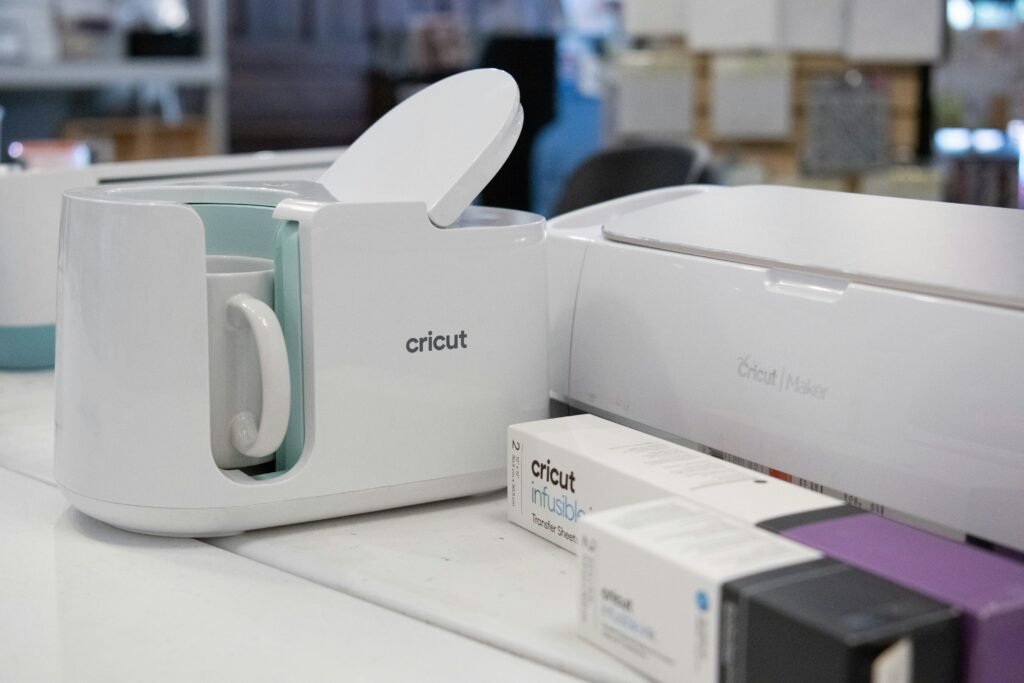
This method is great for full-wrap, photographic, or gradient designs. You need a sublimation printer, sublimation ink, coated blanks, and a mug press or convection oven.
Ceramic decal (heat transfer decal)
Decals are printed on transfer paper and then applied and fired for permanence. Results can be very durable and are often used by professional ceramic studios.
This process works well for multi-color or detailed designs and is suitable for larger runs through a ceramic decorator.
UV printing
UV printing uses ultraviolet light to cure ink directly onto the mug surface. It can print on a variety of materials including glass and metal.
UV printing offers high detail and fast curing, making it a good fit for short runs and personalized orders on diverse substrates.
Pad printing and screen printing
Pad printing is excellent for logos and small artwork on curved surfaces, while screen printing is suitable for simple, bold, single- or two-color designs.
These methods are cost-effective for medium to large runs but are less practical for complex, full-color photographic prints.
Heat transfer vinyl (HTV)
Vinyl is cut with a plotter and heat-pressed onto mugs. It’s accessible for hobbyists and small-run sellers.
HTV is best for solid colors, text, or simple shapes. It’s not ideal for photographs or gradients.
Hand-painting and ceramic paints
Hand-painting gives you a tactile, handcrafted result. You’ll use ceramic paints and often need to fire the mug in a kiln for permanence.
This is perfect for one-off artistic pieces or artisan markets where uniqueness is a selling point.
Choosing the right artwork for print
Your artwork must meet technical requirements to reproduce well on a mug. You’ll avoid surprises by preparing files that match the printer’s specs.
Key elements to control are resolution, color model, file format, and dimensions. Keep your designs crisp and within safe areas to prevent cutting off important parts.
Image resolution and DPI
For photographic and detailed prints, aim for 300 DPI (dots per inch) at the actual print size. Lower DPI will appear soft or pixelated on a mug surface.
If you’re working with vector elements, DPI is less critical since vector art scales without quality loss.
Color mode and color accuracy
Printers generally use CMYK or sublimation-specific color spaces. Design in RGB if you’re working with a sublimation lab that accepts RGB; otherwise convert to CMYK to preview how colors may shift.
Always ask a printer for their preferred color profile and test a proof to verify color accuracy.
File formats and requirements
Common print-ready formats include PNG (for high-quality raster with transparency), JPEG (for photos), TIFF (lossless), PDF (for vector and composite files), and EPS or SVG (for pure vector artwork).
Ask your supplier which formats they accept and whether they need embedded fonts or outlined text.
Safe area, bleed, and wrap templates
Mugs require wrap templates so your design aligns around handles and avoids seams. Include a safety margin so important elements aren’t cut off during printing.
Most vendors provide downloadable mockup templates; use those to position logos, text, and focal artwork.
This image is property of images.unsplash.com.
Tools and software for designing your mug
You’ll want reliable tools that match your skill level. Both free and paid options can produce professional results.
- Adobe Photoshop: Ideal for photo-based designs and layered editing.
- Adobe Illustrator: Best for vector logos, text, and scalable elements.
- Affinity Designer/Photo: Cost-effective Adobe alternatives.
- GIMP and Inkscape: Free open-source tools for raster and vector work.
- Canva: Easy-to-use for beginners; limited export options for professional printers.
- Mockup generators and PSD mockups: Helpful for previewing how your art wraps a mug.
Choose software that lets you export print-ready files and honors the printer’s specifications.
Design tips: layout, typography, and color
Designing for a three-dimensional object takes planning. You’ll balance visible space, handle placement, and user experience.
Use templates and mockups
Templates show where the handle, wrap ends, and seams are. Mockups let you preview how the final product appears in context.
Place key elements within the safe area and avoid putting important details across the handle seam.
Typography best practices
Use legible fonts at sizes that remain readable when printed and viewed at typical drinking distance. Consider bold weights for contrast and readability.
Outline or embed fonts to avoid substitution during printing. Keep kerning and line spacing comfortable for curved surfaces.
Color contrast and readability
High contrast between text and background improves visibility. For dark mugs, use light-colored text and vice versa.
Remember that printed colors may appear less saturated than on-screen, so increase contrast slightly during design.
Consider patterns and negative space
Repeating patterns can wrap nicely and camouflage seams. Leaving some negative space around focal elements helps the design breathe.
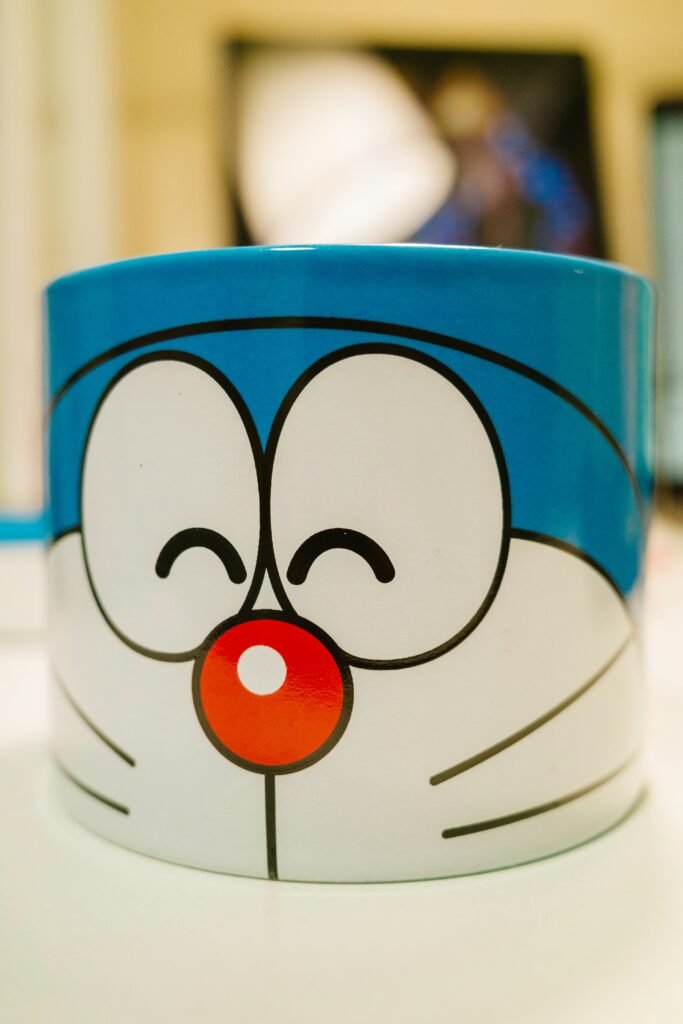
For photo wraps, maintain consistent exposure and avoid placing faces across the handle.
This image is property of images.unsplash.com.
Preparing files for print: step-by-step checklist
You want a clean, organized file to avoid delays. Use this checklist before sending to a printer or prepping for your mug press.
- Confirm mug size and printable area with your supplier.
- Use the supplier’s template and place your artwork within the safe zone.
- Set document resolution to 300 DPI for raster elements.
- Convert colors to the requested profile (RGB/CMYK/sRGB or ICC profile).
- Embed or outline fonts; convert text to outlines if using vector.
- Flatten unnecessary layers while keeping a master copy with layers.
- Save copies in requested formats (PDF, TIFF, PNG) and include any bleed.
- Label files clearly (e.g., client_name_mug_wrap_v2.pdf).
- Request or create a proof/mockup and confirm placement with the client or test print.
Printing at home vs. using a professional shop vs. print-on-demand
Each path has trade-offs in cost, quality, and scalability. Choose based on how many mugs you plan to make and the level of finish you want.
Printing at home
You can produce small batches at home with a sublimation setup or vinyl cutter. It gives you control and fast turnaround.
Home printing requires equipment like a sublimation printer, heat press or mug press, and coated mugs. Expect a learning curve and occasional rejects.
Professional local print shop
Working with a local print shop gives you access to higher-end equipment, color management, and professional finishing. Small quantities are possible, and you can often inspect proofs in person.
Costs per unit are usually higher than bulk orders but quality and reliability improve.
Print-on-demand services
POD platforms let you upload designs and sell online without holding inventory. They handle printing and shipping but take a percentage or base cost per item.
POD is low risk for testing designs, but margins can be smaller and you have less control over packaging and print quality.
Home sublimation: equipment and approximate costs
If you decide to produce mugs at home, here’s what you’ll commonly need and a rough price range.
| Item | Purpose | Approximate cost (USD) |
|---|---|---|
| Sublimation ink + cartridges | Color transfer | $30–$150 |
| Sublimation printer (e.g., Sawgrass, modified Epson) | Print designs | $150–$700+ |
| Heat press mug press | Apply heat and pressure | $80–$300 |
| Coated sublimation mugs (blanks) | Printable surface | $2–$6 each |
| Heat-resistant tape and gloves | Secure and protect | $10–$25 |
| Heat tape and shrink wrap (optional) | Reduce ghosting | $10–$30 |
| Design software subscription | Create artwork | Free–$20+/month |
Startup costs vary widely. You can keep initial costs low by making a few test mugs and upgrading as demand grows.
Step-by-step guide: DIY sublimation mug process
This step-by-step will walk you through a common sublimation workflow for coated ceramic mugs.
- Design and export: Create your wrap design using the mug template and export at 300 DPI.
- Print on sublimation paper: Mirror the image when printing (especially for text) if required.
- Cut and position: Trim the paper to fit the printable area and wrap it around the mug. Secure with heat-resistant tape.
- Preheat mug press: Set the mug press to the recommended temperature (commonly 400°F / 200°C, but follow manufacturer guidelines).
- Press time: Place the mug in the press and apply heat for the specified time (typically 180–240 seconds). Use the recommended pressure.
- Cool and remove: After pressing, remove the mug and carefully peel the paper. Allow the mug to cool fully before handling.
- Inspect and cure: Check for even transfer and cure any remaining surface requirements per supplier instructions.
Perform a test run to fine-tune temperature, time, and pressure for your specific equipment and blanks.

Alternative DIY methods: decals, HTV, and hand painting
If you don’t want to use sublimation, there are other creative home methods.
- Heat transfer vinyl: Cut shapes on a vinyl cutter, apply with transfer tape, and use a mug press. Best for simple graphics and single colors.
- Ceramic paints and kiln firing: Paint directly on bisque ware and fire in a kiln for permanence. No heat press required.
- Decals: Print decals and apply with water-slide or ceramic decal procedures, then fire according to decal manufacturer’s instructions.
Each method requires different tools and practice. Choose based on the aesthetic you want and the equipment you have.
Finishing touches and post-print care
How you finish and advise on care affects longevity and customer satisfaction. Proper curing and instructions reduce returns and extend mug life.
Sealing and curing
Some printing methods require additional curing or firing to become dishwasher-safe. Follow the manufacturer’s instructions closely.
For hand-painted or decal-based mugs, kiln-firing may be necessary. For sublimation, the ink is infused into the coating and is generally durable.
Care instructions to include with your mug
Provide clear care guidance for recipients so they know how to prolong the design.
- Dishwasher-safe? Clarify if the mug is dishwasher-safe or hand-wash only.
- Microwave use: Note if the mug is microwave-safe, especially for metal or travel mugs.
- Avoid abrasive cleaners: Recommend non-abrasive sponges and mild dish soap.
- Temperature limits: Warn about extreme temperature shock (e.g., cold water on a hot mug).
Print or include care instructions on a small card or product listing to set expectations.
Troubleshooting common printing issues
You’ll likely encounter some challenges while getting consistent results. Here are common problems and fixes.
- Ghosting or faint images: Increase pressure or use shrink wrap to press the paper snugly against the mug.
- Color shift: Check ink cartridges, profiles, and use test prints. Account for substrate color.
- Peeling vinyl: Increase adhesion with a higher-quality HTV or use a primer for curved surfaces.
- Misalignment: Use precise templates and measure carefully before taping the transfer.
- Banding or streaks: Clean printer heads and perform nozzle checks; adjust print settings.
Keep a log of settings that produced the best results so you can reproduce them consistently.
Costing and pricing your custom mug
If you’re selling custom mugs, calculate costs and set a markup. Know your material, labor, and overhead costs.
| Cost item | Cost per mug (example) | Notes |
|---|---|---|
| Blank mug | $3.00 | Depending on quality and supplier |
| Ink and paper | $0.50 | Per mug based on average usage |
| Electricity and wear | $0.20 | Press operation and maintenance |
| Labor (15 minutes @ $15/hr) | $3.75 | Time to design, apply, press, and finish |
| Packaging | $0.75 | Box, tissue, sticker |
| Shipping (pass-through) | Variable | Add actual shipping cost at sale |
| Total cost | $8.20 | Example subtotal before markup |
Suggested retail pricing depends on your market and goals. A common approach is to use a 2.5–3x markup on your total cost to cover marketing, platform fees, and profit. For handcrafted, limited-edition items, you may price higher.
Packaging and shipping tips
Good packaging protects your product and enhances perceived value. Thoughtful presentation also reduces damage and returns.
- Use snug-fitting boxes with molded inserts or crumpled paper to prevent movement.
- Add a small card with care instructions and your branding to encourage repeat customers.
- Use eco-friendly packing materials if sustainability matches your brand values.
- For shipping, use a trackable service and insure higher-value orders. Consider using a double-box method for fragile items.
If you’re selling online, photograph your boxed product to show buyers what to expect.
Legal and copyright considerations
You must ensure you have the rights to use all artwork. Using protected logos, characters, or photos without permission can lead to takedowns, fines, or legal action.
- Always obtain licenses for stock images, or use royalty-free art with appropriate commercial use rights.
- For photos featuring people, obtain a model release when selling items featuring a person’s likeness.
- Avoid trademarked logos unless you have permission. Parodies may still be legally risky.
Keep records of licenses and permissions in case a platform requests proof.
Marketing and listing your custom mug
If you plan to sell, good photography and clear descriptions increase conversion. Use lifestyle images and mockups to show scale and use cases.
- Title: Include main keywords like “Custom Photo Mug,” “Personalized Ceramic Mug,” or “Custom Artwork Mug.”
- Description: Explain material, size, capacity, care instructions, and production time.
- Tags and keywords: Add searchable phrases such as “gift for mom,” “custom coffee mug,” or “wedding favor mug.”
- Pricing and variants: Offer options for single- or double-sided prints, different mug colors, or gift wrapping.
Consider promotions like discounts for bulk orders or seasonal limited designs to attract repeat buyers.
Sample product description (you can adapt)
Create a warm, clear description that tells buyers what they’ll get. For example: “Personalize this 11oz ceramic mug with your own artwork or photo. Designed to fit a full-wrap print area, it’s produced using durable sublimation transfer for long-lasting color. Dishwasher safe on low-cycle; hand washing recommended for longevity. Production time: 3–5 business days.”
Gift ideas and personalization strategies
Personalized mugs can be tailored for many occasions. Think about the recipient and personalize accordingly.
- Names and dates for weddings and anniversaries
- Pet photos and names for animal lovers
- Funny quotes or inside jokes for friends
- Logo or slogan for business gifts or team swag
- Illustrated portraits or caricatures for a unique keepsake
Offer gift-wrapping or personalized notes to make the item more gift-ready.
Scaling up into a small business
If your custom mug project grows into a business, you’ll think about batch production, outsourcing, and branding.
- Standardize templates and processes to reduce errors.
- Use batch printing for best cost-per-unit in-house or negotiate volume discounts with a vendor.
- Create a portfolio and request reviews for social proof.
- Track all costs and set metrics for profit margins and inventory turnover.
Consider attending craft fairs or pop-up markets to test products in person and gather customer feedback.
Troubleshooting customer complaints and returns
When problems arise, be responsive and helpful. Fast, courteous service retains customers and minimizes disputes.
- If a mug arrives damaged, request photos and offer a refund or replacement promptly.
- For color or alignment disputes, show proof of the approved mockup and explain variations due to print processes.
- Offer satisfaction guarantees or repair/replacement within a defined timeframe to build trust.
Document your return policy clearly on your website and product listings.
Inspiration and creative prompts
If you’re looking for ideas to create artwork for mugs, try some focused prompts to get started.
- Create a set of seasonal mugs with minimal icons and a cohesive color palette.
- Design a “coffee + affirmations” series with uplifting one-liners and playful typography.
- Make customer-submission series: buyers send a simple sketch and you vectorize it into a clean print.
- Produce limited-run collaborations with local artists for unique collections.
Experimentation helps you discover what resonates with your audience.
Final checklist before production
Before sending your design to print or starting a run, run through this concise checklist to reduce errors.
- Did you use the correct template and confirm dimensions?
- Is the resolution at or above 300 DPI?
- Did you convert or check colors with the printer’s profile?
- Are fonts outlined or embedded?
- Did you request or approve a proof?
- Are packaging and shipping defined for the quantity you’ll produce?
A final review saves time and dollars down the line.
Conclusion and next steps
You now have a full roadmap to design, produce, and sell or gift mugs featuring your personalized artwork. Start with a small prototype to test your chosen method, refine your process, and then scale up as you gain confidence.
Take one small step today: pick a design, download the correct template, and create a test print. Your first custom mug will be both a learning experience and a tangible piece of your creativity.